

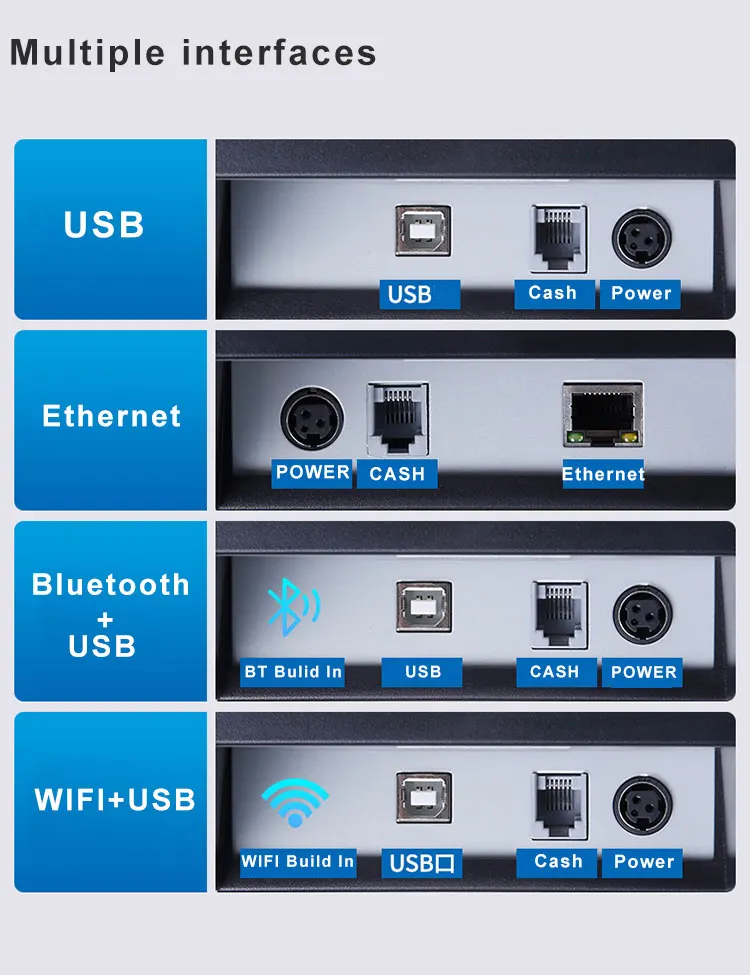
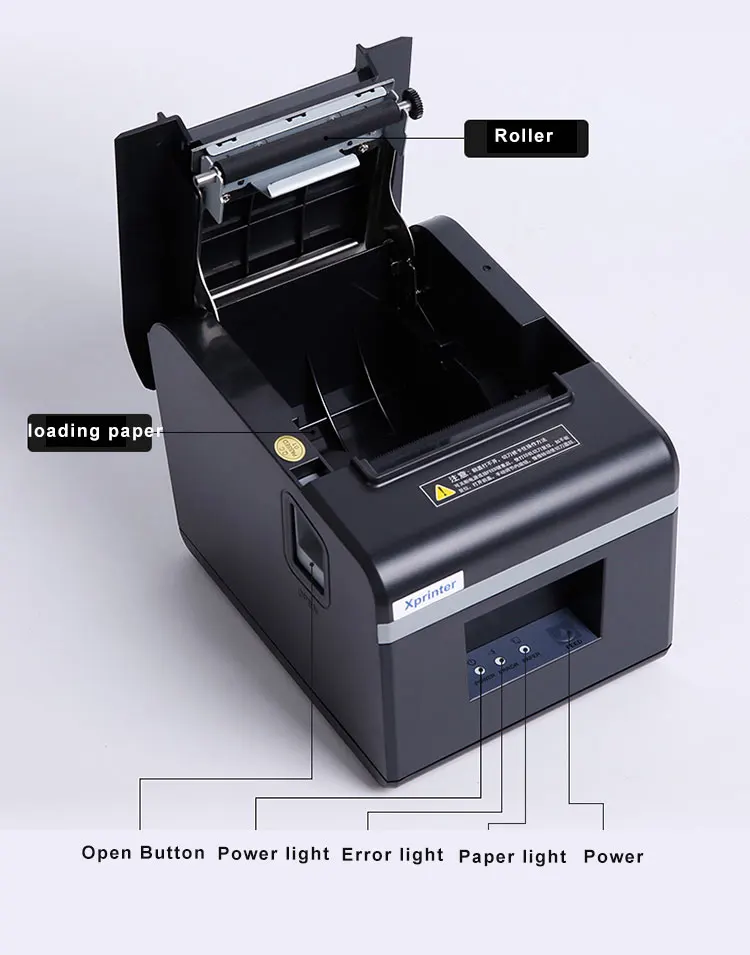
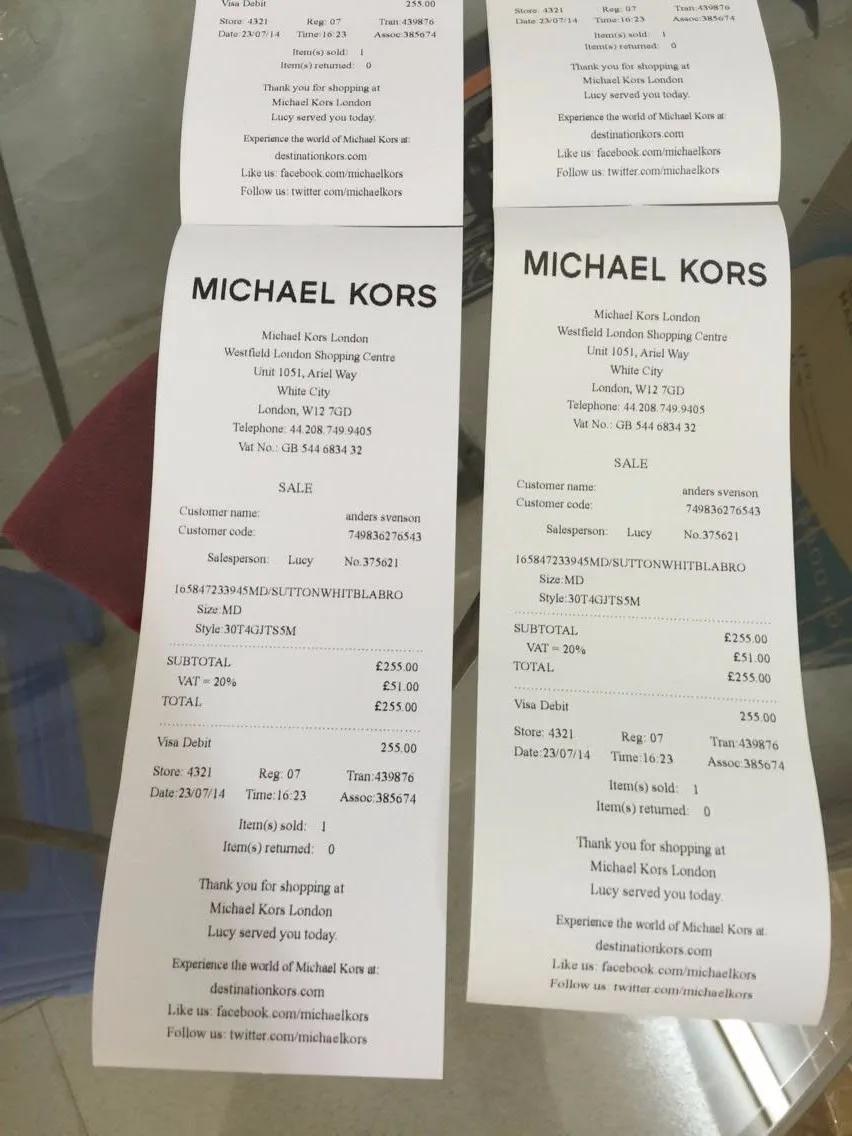
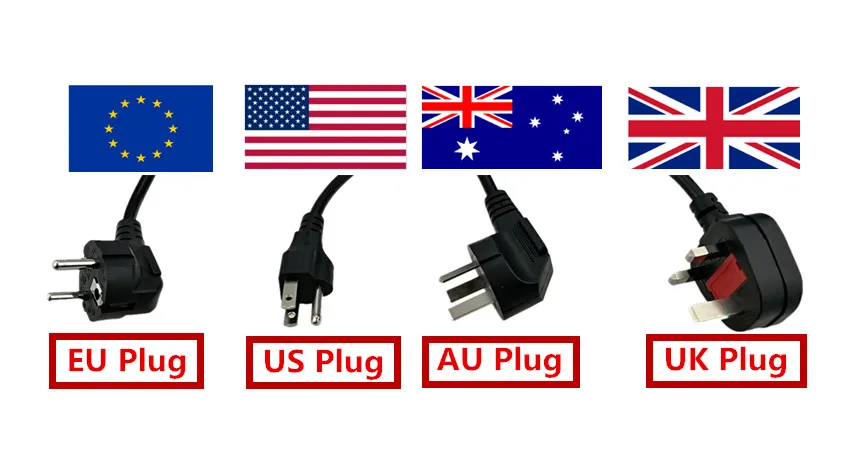
Xprinter 80mm Thermal Receipt Printer with Auto cutter 200mm/s Print speed with USB+Ethernet/Bluetooth/wifi XP-N160II 80T T80A


Xprinter 80mm Thermal Receipt Printer with Auto cutter 200mm/s Print speed with USB+Ethernet/Bluetooth/wifi XP-N160II 80T T80A
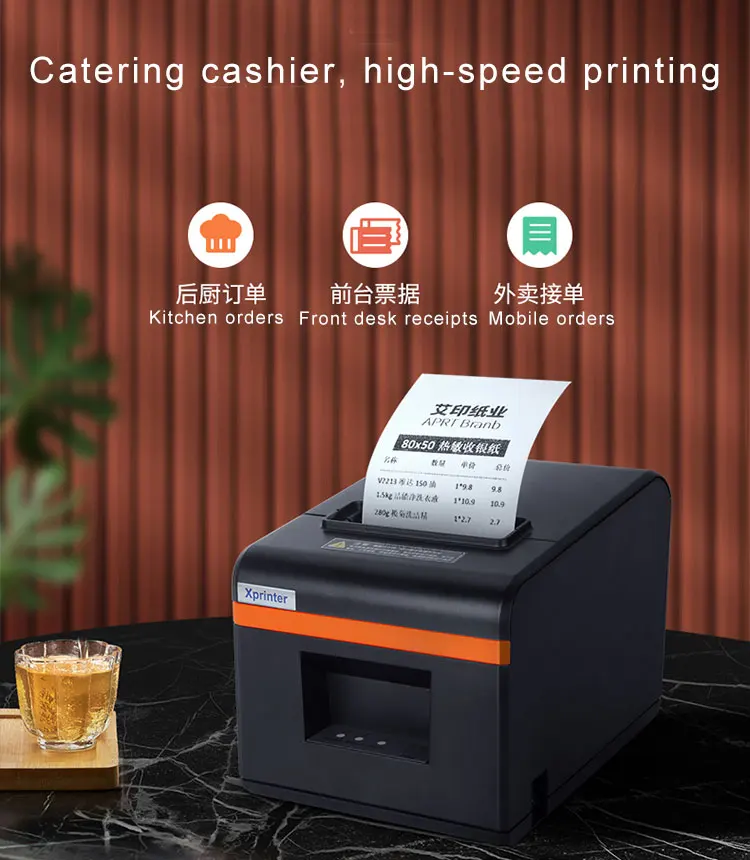
Xprinter 80mm Thermal Receipt Printer with Auto cutter 200mm/s Print speed with USB+Ethernet/Bluetooth/wifi XP-N160II
Printing method: Direct line thermal
Paper width :80mm
Print Width:72mm
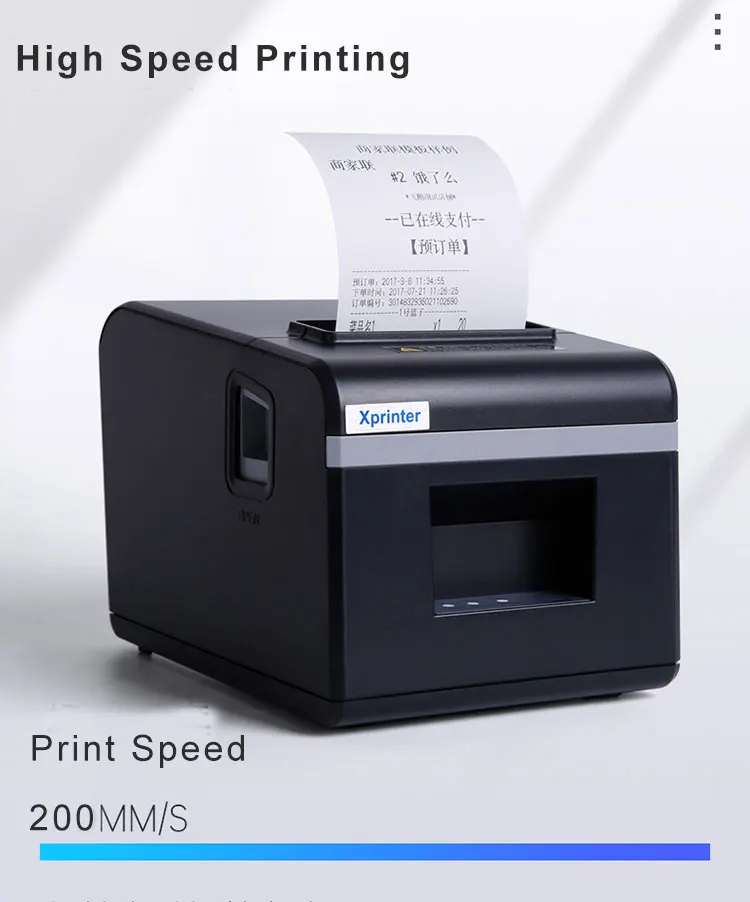
Print Speed:200mm/s
Knife life: 1.5 million times
Print head life: 150km
Drvier : Download at Xprinter webiste .
https://www.xprinter.net/companyfile/41.html
or
https://www.xprinter.net/Download_Details/3.html
Bluetooth : printing from Mobile(Android device) + POS app , not support connecting to PC directly by BT
WIFI Setting :
Step 1 Print the 'selftest' page to check whether it is in AP mode or STA mode, if is STA mode , It needs to be converted to AP mode first
(STA mode -> AP mode :press feed key and hold on ,then turn on the printer power ,after printer print selftest page and WIFI select option, press "Feed" key one time, printer print AP/STA mode choose , then press "Feed" key one time ,printer is in AP mode.)
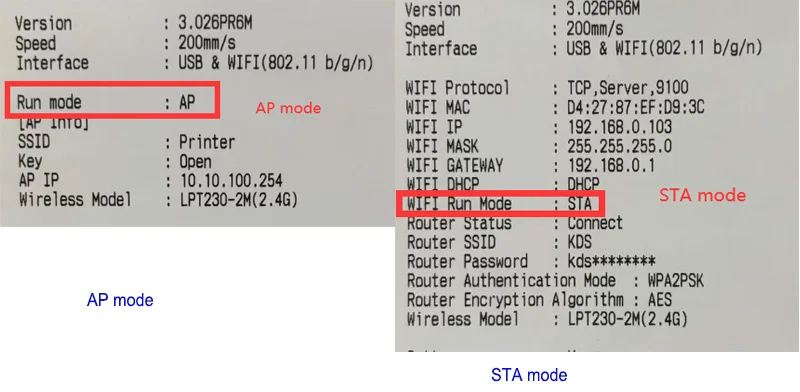
Step 2 In AP mode, the printer serves as a hotspot with the SSID: Printer, Key: open, and AP IP: 10.10.100.254, Connect printer wifi hotspot.
like below:
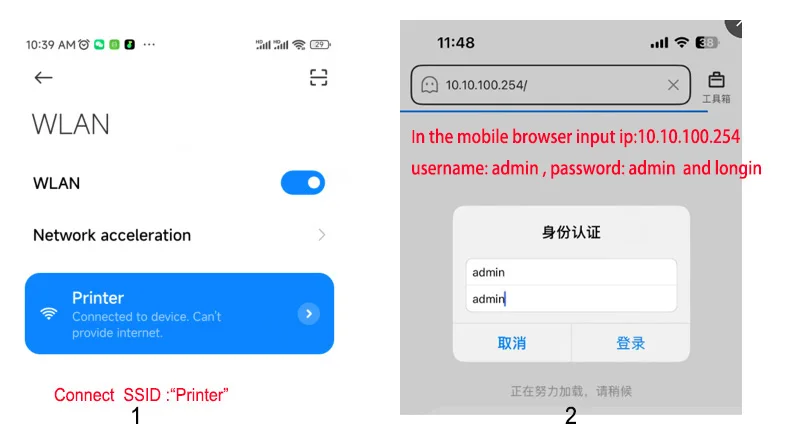
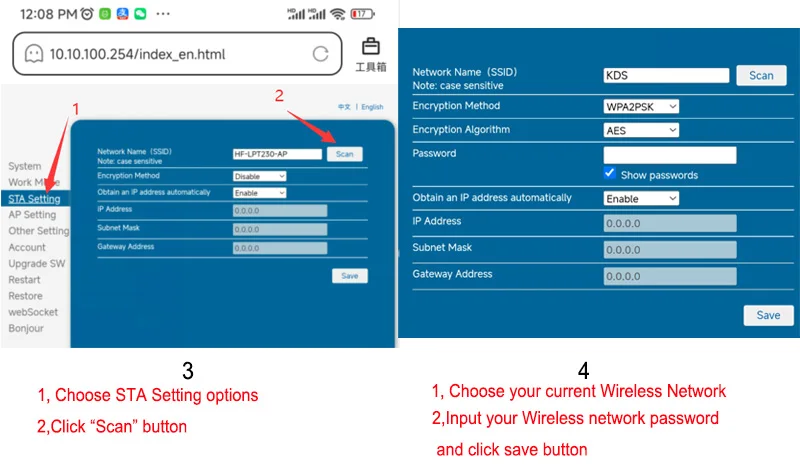
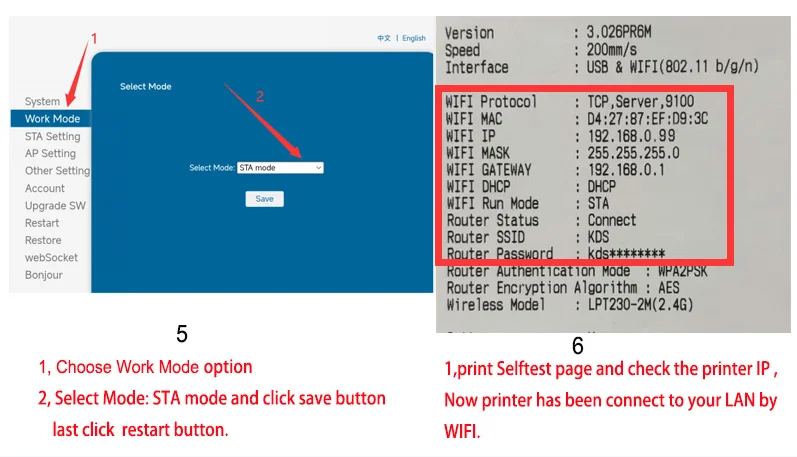
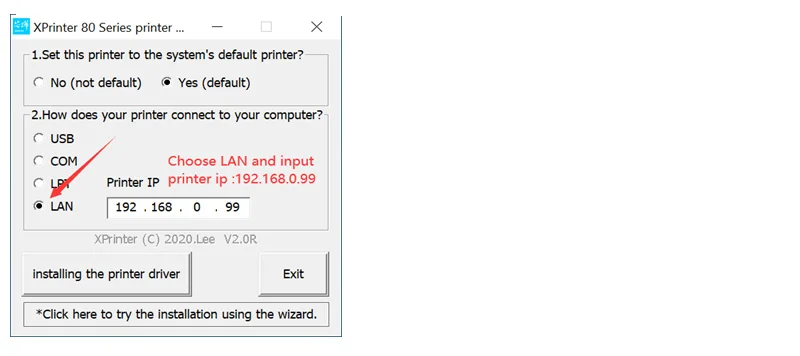
Step 3, Print the 'selftest' page and check the printer IP,then install the printer driver, chooe Ethernet port, and input the printer ip that just setted



CARE & MAINTENANCE
To maintain the beauty and integrity of your purchase, we recommend treating it with care. Simple maintenance practices, such as gentle washing and proper storage, can effectively preserve the longevity of your favorites. We encourage you to refer to the care instructions included with each item, designed to help you keep your purchase in top condition.
SHIPPING & RETURNS
We strive to process and ship all orders in a timely manner, working diligently to ensure that your items are on their way to you as soon as possible. Need to return something? Just let us know.